



Skip complex APIs and technical setup. Enter your query, and Lev8's Google Maps Scraper extracts, enriches, and organizes local business data into clean, ready-to-use lists.
If you want to turn Google Maps searches into outreach-ready leads, you do not need to build scrapers, manage proxies, or configure APIs. Lev8 helps you describe the businesses you want, enriches the results with useful contact details, and gives you a structured export you can use right away.
How to Extract Data with Google Maps Scraper
Enter Your Target Search
Just describe the area and business type you want to find. No APIs or complex settings are required. Tell Lev8 what you need, and it starts looking immediately.
Extract and Enrich Data
Lev8 pulls live Google Maps data and enriches it with useful context such as emails, phone numbers, and social profiles. Instead of stopping at a business name, it helps build a more complete lead profile for each result.
Export Ready-to-Use Lists
Your results are organized into clean spreadsheets that are easy to review, export, and use for follow-up. That means less manual sorting and faster outreach once the search is done.
Why Use Lev8's Free Google Maps Scraper
Zero Coding Required

Forget complex API connections and technical barriers. Lev8 runs directly in your browser, so anyone can enter a search and get accurate local business data without installing heavy software.
Automated Data Enrichment
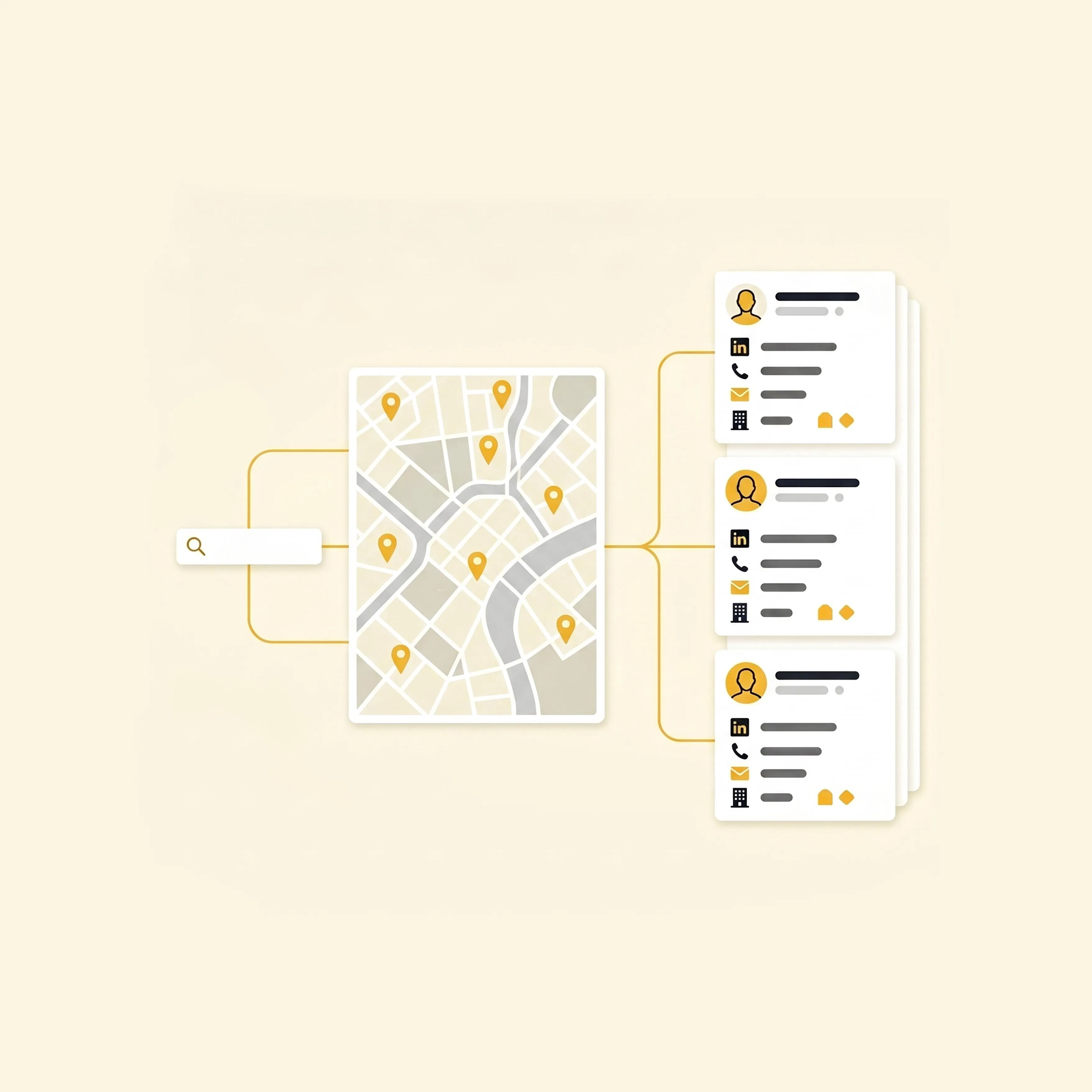
Getting a business name is only the first step. Lev8 automatically enriches results based on your goal, helping you find verified emails, phone numbers, and social links while saving hours of manual research.
Standardized Output
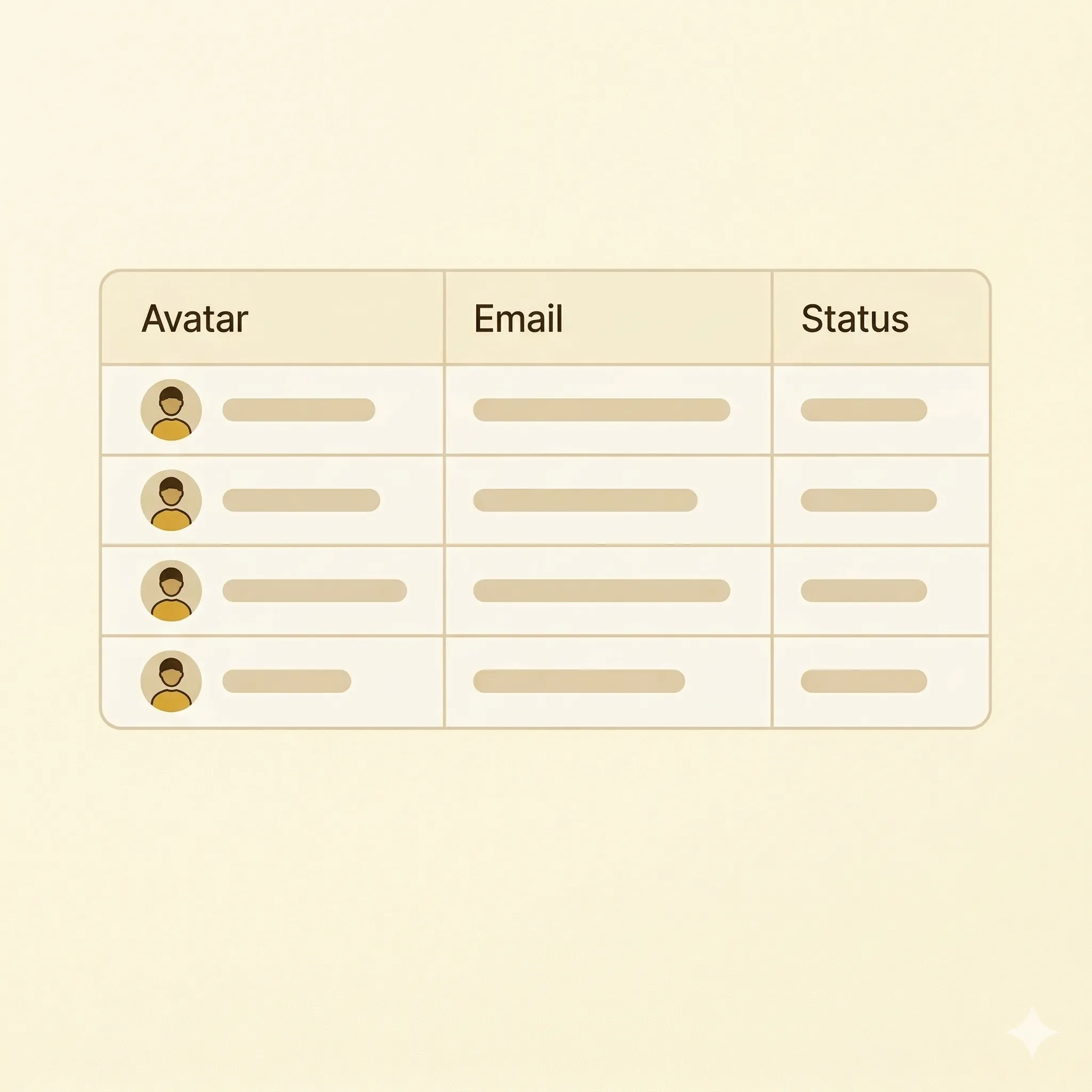
Even when data comes from multiple sources, Lev8 cleans and formats the output into an organized list. You can download the results or use them directly in Lev8 for your next outreach campaign.
Who Can Benefit from a Google Maps Scraper
Sales Teams
Sales teams can fill their pipeline with targeted local prospects and move faster from search to outreach.
- Build local sales territories
- Find direct contact emails
- Export lists for cold outreach
- Discover local retail partners
Event Planners
Event planners can find corporate offices, hotels, and venues faster when building local prospect lists.
- Find corporate office leads
- Discover local event venues
- Map hotel and catering contacts
- Build corporate client lists
Real Estate Agents
Real estate teams can use local business data to understand neighborhoods and identify owners, tenants, and brokers.
- Find local property managers
- Identify commercial tenants
- Track new retail openings
- Discover neighborhood brokers
Market Researchers
Researchers can turn local search results into structured datasets for trend analysis and market mapping.
- Analyze store density
- Track regional business growth
- Gather brand location datasets
- Map service coverage areas
FAQ About Google Maps Scraper
What Can I Extract from Lev8's Google Maps Scraper
You can quickly collect business names, addresses, and phone numbers. Lev8 also helps enrich and format the results so the list is more useful for outreach and research.
How Is the Output Formatted
Results are delivered as clean, structured spreadsheets such as CSV or Excel-ready tables. The goal is to reduce manual cleanup so your list is ready to use right away.
How Is Lev8 Different from Octoparse or Google Places API
Unlike Octoparse, Lev8 does not require software downloads or complex workflow setup. Compared with Google Places API, Lev8 removes the coding barrier and focuses on delivering usable lead data faster.
Is This Google Maps Scraper Free to Test
Yes. You can start exploring local leads without heavy setup or upfront technical work, making it easier to validate your use case before going deeper.
Do I Need Technical Skills to Use It
No. You do not need to configure APIs, set up proxies, or write code. You simply describe the type of businesses you want, and Lev8 handles the extraction and organization for you.
Ready to Extract Leads
Experience the difference of Lev8's ICP-based search with a simple first step. If you want to turn Google Maps searches into clean lead lists, start here: