



Explore the best Clay alternatives for GTM teams in 2026, comparing Lev8 with Clay, Apollo, ZoomInfo, n8n and other search and automation tools.
Few people would deny Clay's capabilities. It can pull data from multiple sources, letting you freely build enrichment workflows and refine a raw list into something incredibly precise. For growth teams who love tweaking and optimizing processes, that sense of control can be almost addictive. But that's exactly where the problem lies. Clay feels more like a sophisticated preparation system than a tool that actually drives action.
You can spend hours getting your data perfectly polished, building out layered logic paths, and when everything is ready... the real work has only just begun. You still need to decide what to do next, double-check whether the workflow is performed as expected, export the results, and switch to another tool to actually execute. A process that should feel seamless gets broken into disconnected pieces.
And right in that gap, the real question has quietly shifted. We used to ask, "How do I enrich data more completely?" But that question barely matters anymore, because data itself is no longer scarce. What actually frustrates teams now is this: when a signal appears, how do you act on it immediately, without bouncing between platforms and stitching workflows together manually?
In other words, the bottleneck is no longer data. It's the gap between signal and execution. Clay does a great job getting you halfway there, but it leaves the most critical step for you to handle yourself. That's exactly what this guide is trying to fill: making "preparation" the starting line for action, not the finish line.
TL;DR
- Clay excels at enrichment and workflow flexibility, but requires heavy setup and manual execution.
- Apollo is great for outbound at scale, but lacks precision and deep personalization.
- ZoomInfo offers rich enterprise data, yet is costly and slow to activate.
- Other tools fill specific gaps, but fragment GTM workflows further.
- As GTM matures, the bottleneck shifts from data access to signal-to-action execution.
- Lev8 stands out by automating this transition, reducing cost and complexity.
- The best stack depends on your stage — not just features, but how fast you can turn signals into revenue.
How to Evaluate Clay Alternatives in 2026
There were good reasons why many growth teams adopted Clay early on — it genuinely solved parts of the data integration and automation puzzle.
But today, the way teams evaluate tools has shifted significantly.
More and more teams are realizing that stitching multiple tools together is a bit like playing Jenga. Each individual workflow looks fine in isolation, but the moment one piece breaks — a failed sync, a missed signal — the entire system starts to wobble.
So the question has slowly evolved from "Is this tool good to use?" into something more foundational: Is this something we can actually depend on long-term?
Based on that shift, here are the lenses I use to re-evaluate Clay and its alternatives:
Why Data Alone Isn’t Enough
We used to care a lot about whether data was complete and structured. Now that's basically table stakes.
What really matters is: when a key signal appears, can the system immediately push the next action — not just tell you what happened? If data is only displayed but never actually used, its value is pretty limited.
Real-Time Data vs Actionable Signals
A lot of tools still just give you a "list." But a list doesn't tell you when to strike.
What's actually valuable is the ability to capture changes and identify trends. If a system just keeps feeding you more data without filtering or prioritizing, it's fundamentally just adding cognitive load.
A more mature system should be able to tell you: what's most worth doing right now.
Automation workflows
A few years ago everyone was talking about how to build workflows and automate processes.
But looking back, a lot of that "automation" just moved complexity from manual operations to configuration interfaces. The process runs automatically, but people didn't actually get any lighter.
So what I care about more is: does this automation ultimately reduce the team's burden, or does it just introduce a more complicated way of working?
Visible Costs
Many tools look affordable at first, but as you go deeper: data calls, automation runs, add-on modules...the costs quietly stack up. By the time your team is truly dependent on it, switching is already painful.
So when evaluating, don't just look at the current price. Look at what the cost structure looks like once you scale.
The Core Evaluation Question
After going through all these dimensions, I usually boil it down to one simple question:
Is this tool a feature, or is it infrastructure?
If it only solves one isolated problem, you'll inevitably end up stacking more tools on top of it. But if it can carry a complete growth workflow on its own, a lot of that complexity just disappears.
Clay Pros and Cons
Before jumping into the alternatives, I think it's worth giving Clay a fair, objective look first.
Because honestly, if you've used it seriously for any length of time, you'll find that it genuinely does some things extremely well — but those strengths and its limitations tend to come as a package deal.
Clay’s strengths still stand out in a few key areas:
- Strong data enrichment capabilities Clay's capabilities at the data layer are still very strong, especially for enrichment. It can stitch together data from different sources and continuously fill in gaps on top of what you already have — and that remains genuinely competitive today.
- A familiar, spreadsheet-like interface Its spreadsheet-style UI gives people an intuitive mental model. You can process data like you would in Excel while layering logic on top, and that combination of "data + logic" was genuinely eye-opening when it first came out.
- Flexible workflows for builders If you're willing to invest the time to build, Clay gives you an enormous amount of room to work. You can treat it as a flexible data orchestration tool, build complex workflows, and run research-heavy GTM experiments. Especially for teams that like to roll up their sleeves, test constantly, and refine their processes — it’s essentially a large sandbox.
But that flexibility is also where the cracks start to show:
- More of a data tool than an execution system Once you try to fit it into a complete GTM system, it becomes clear that Clay helps organize information, but doesn’t drive action. It won’t tell you what to do next or which accounts to prioritize — those decisions still require manual review, exports, and follow-up.
- The action layer is disconnected The information is connected, but execution isn’t. There’s no built-in sense of timing or prioritization, which means momentum depends on human intervention rather than system guidance.
- High operational and technical overhead On the surface, Clay looks like a smarter Excel. But in practice, the complexity isn’t low. Many workflows require:
- manually connecting APIs
- configuring data sources
- debugging workflows
- monitoring credit usage
- It centralizes capability, but the work itself is still fundamentally engineering.
- Rising cost of “getting things done” As more natural-language-driven tools emerge, the comparison shifts. It's no longer just about whether something can be done, but how much effort it takes to do it. Clay isn't unusable, but the bar it sets for its users is higher than most teams expect going in.
When Automation Adds Complexity
The same story plays out with automation. Clay's workflow capabilities are powerful — no dispute there — but powerful doesn't mean painless. A lot of the time, you're designing and maintaining an automated system rather than simply using one. The process runs on its own, but the logic design, exception handling, and structural adjustments still require continuous human involvement.
When the team grows and different roles start depending on the system, that complexity gets amplified further. You think you're reducing manual work, but you're actually introducing a new category of maintenance overhead.
It hasn't really unified GTM touchpoints
Another problem that slowly surfaces is that Clay hasn't truly integrated all the touchpoints of a GTM motion. While it can connect to many data sources, ad behavior, contact details, and website intent still exist in scattered silos. The CRM is more of an after-the-fact sync result than the central driver of the whole process.
In other words, Clay sits in the middle — but it hasn't actually closed the loop.
Cost surprises tend to be delayed
The cost issue usually doesn't surface right away. At the start, many people feel the pricing is manageable. But as usage deepens, things quietly change.
Because Clay doesn't have a particularly intuitive interface built for sales or growth practitioners, many things depend on someone with strong technical knowledge to maintain. This gave rise to the "Clay expert" — and those people aren't cheap. Meanwhile, many workflows aren't plug-and-play; you need to iterate through trial and error to find a workable combination, and that process itself carries real experimentation costs.
Add in the usage-based billing model, and once the scale goes up, total costs become increasingly hard to predict. For GTM teams, that unpredictability is itself a problem.
So to sum it up: Clay is still a very strong data enrichment and workflow tool — that hasn't changed. But when you try to run it as a long-term GTM operating system, its edges start to show. It's great at processing data, but it doesn't own the decision-making; it provides a lot of capabilities, but you have to piece them together yourself; it connects a lot of dots, but it hasn't formed a stable closed loop.
If your goal is flexible experimentation, it's still excellent. But if you're trying to build a more stable, sustainable growth infrastructure, these issues are hard to ignore.
With that in mind, looking at the alternatives will feel a lot more grounded.
Top Clay Alternatives for GTM
Is Lev8 the Best “One-Prompt” Prospecting Tool?
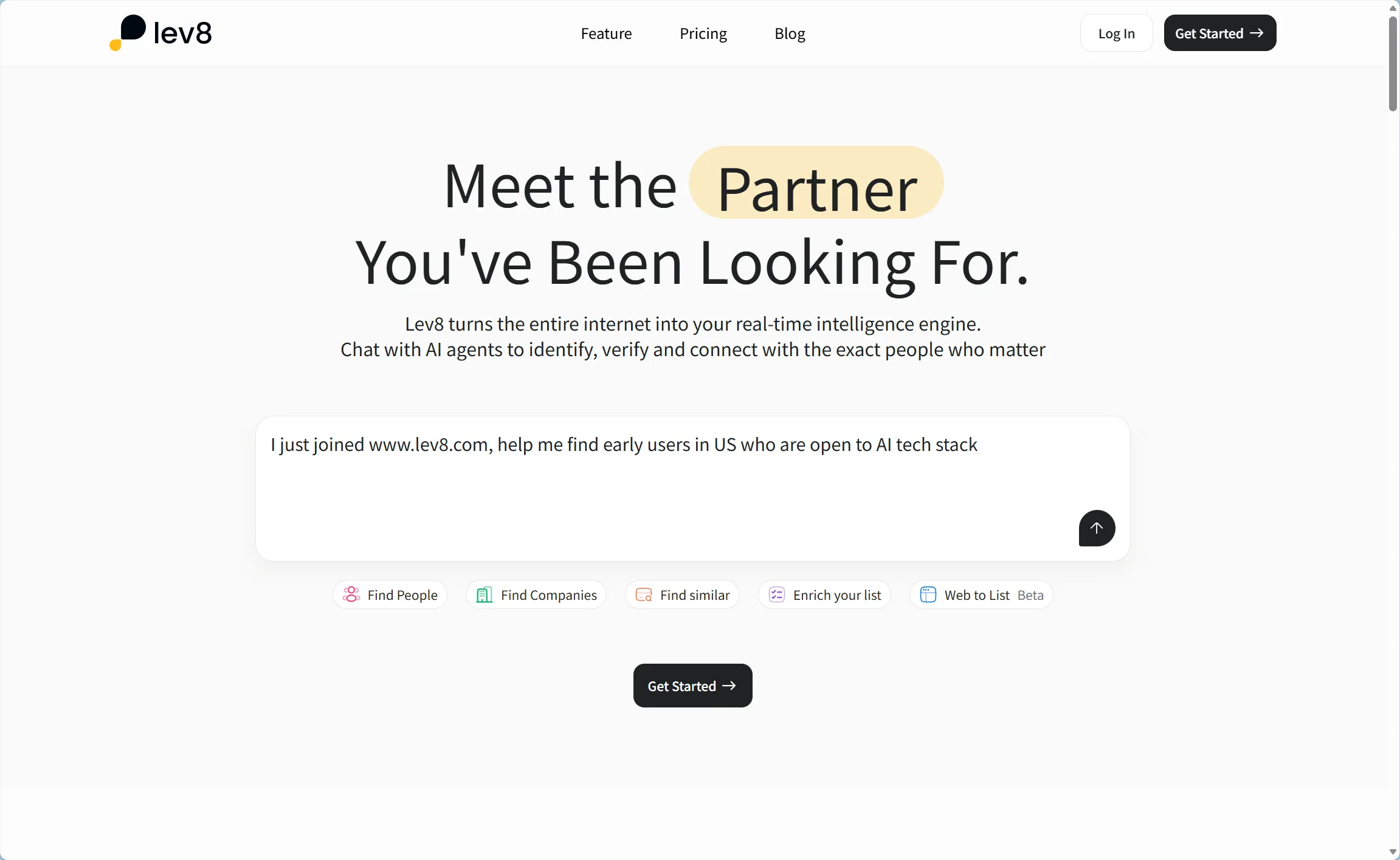
From a capability standpoint, it's more of a front-line tool than a platform that takes weeks to implement before it starts running. Based on public information, Lev8’s system can be understood across a few key layers:
- Interface layer — conversational search Its primary interface is natural-language-driven, allowing users to describe targets directly instead of relying on filters or boolean logic.
- Data layer — multi-source intelligence It draws from “millions of verified contacts and company profiles” as well as the open web to build a more complete view of entities.
- Signal layer — timing-based triggers It focuses on high-intent, time-sensitive signals like hiring activity, funding rounds, executive changes, and tech stack shifts.
- Execution layer — activation-ready outputs This extends to AI email drafting, report generation, and list export, helping users move directly from discovery to outreach.
Lev8 is building what it calls "Identity-First DeepSearch" — making "first confirm who exactly you're looking for, then retrieve information that belongs to that entity" an architectural capability, not an afterthought. It's a direct, clear answer to the well-known problem of AI search unreliability.
Digging a bit deeper, Lev8's real advantage isn't just the data — it's the interaction cost. The Starter and Pro tiers are priced at $49 and $199 per month respectively, and credit pricing is publicly documented in detail: match results are billed per record, with clear costs for email lookup, phone lookup, signals check, and AI email drafting. That model is genuinely friendly to small teams because it's closer to "pay for output" than "buy a heavy platform and amortize costs slowly." Reports consistently categorize Lev8 as sitting between AI-native signal/search/activation tools and traditional enterprise intelligence platforms — a lightweight, fast-launch, real-time-signal-driven front-line tool.
Of course, Lev8's edges are also clear. The most pressing question isn't "can it search" — it's "how deep is the execution and integration loop." It already covers front-line discovery, signal capture, and content generation well. But if your team has hard dependencies on a CRM, SEP, or a complex sales stack, many integration specifics still need to be confirmed through a demo or contract. Its strengths are the conversational interface, timing-led narrative, and reliability architecture. Its weakness is that the public information on integrations and execution completeness isn't yet comprehensive enough to judge fully.
Is Clay Still Worth It for Data Enrichment in 2026?
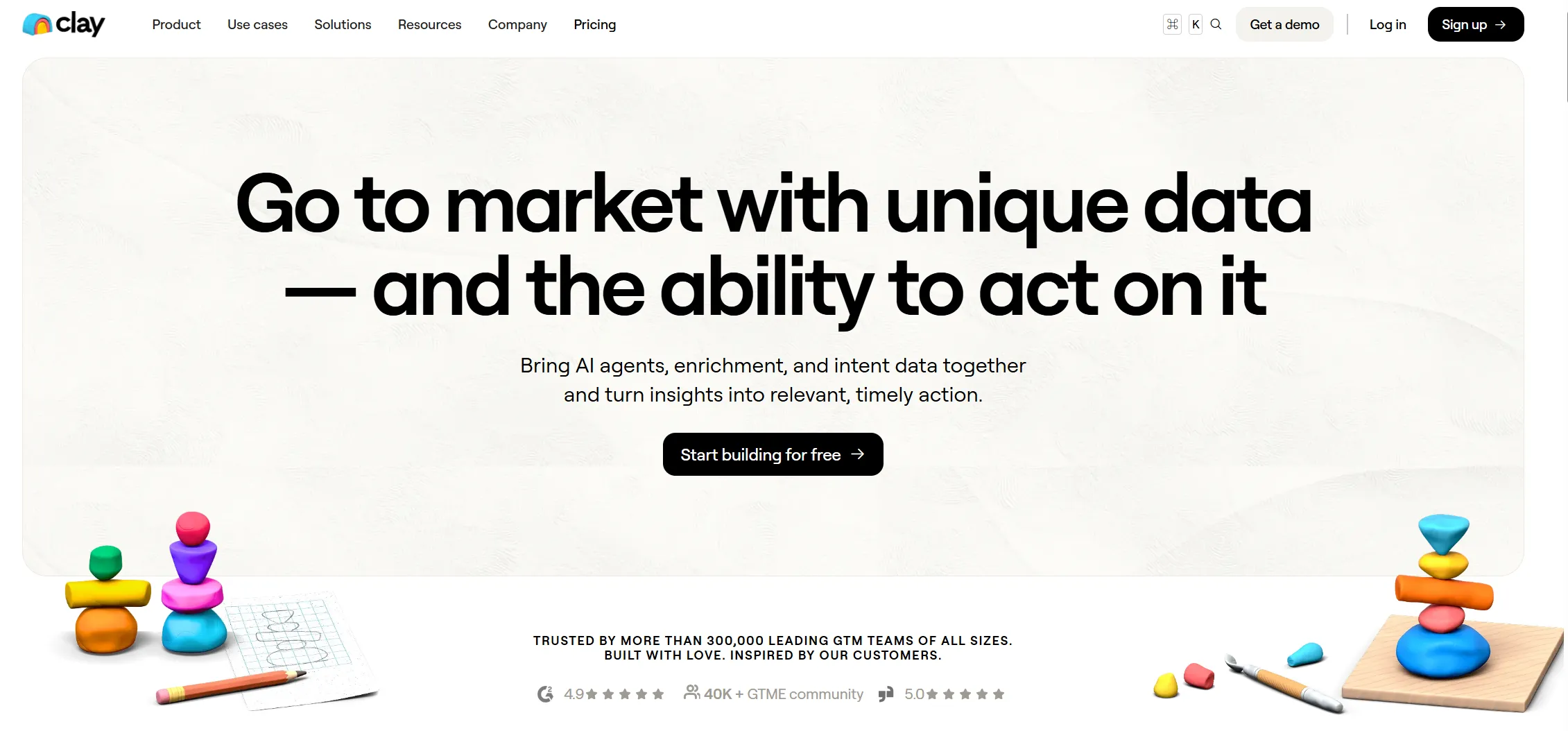
As mentioned earlier, if Lev8 is like a pre-trained researcher, then Clay is like a data lab. Its core isn't just enrichment — it's "data + workflows," backed by:
- 150+ data providers and waterfall enrichment
- Webhooks, sequencer, and HTTP API access
- CRM auto-sync and system connectivity
In other words, Clay's real strength isn't making decisions for you — it's giving you an enormous amount of raw material and maximum assembly freedom.
Clay's power starts with coverage engineering. It doesn't rely on a single database — it raises the data waterline by aggregating multiple sources. It doesn't just hand you one contact method; it lets you continuously enrich, filter, score, recombine, and write back. Lev8 is more like a "conversational intelligence front-end," while Clay is more like an "orchestratable GTM data and automation operating system." That distinction matters, because it explains why many teams who find Clay hard to use still can't let it go — it's not a single-function tool, but a foundational layer that can embed into existing stacks and handle complex workflows.
But Clay's limitations come directly from that same capability structure. Many people look at it for the first time and think it's an advanced spreadsheet, but once they actually start using it, they realize it's more like an engineering system that wraps APIs, data sources, and automation logic inside a UI.
You're expected to:
- Connect and maintain your own data sources
- Design and iterate on workflow logic
- Manage credit consumption and costs
- Monitor failures and debug workflows
- Rebuild processes as requirements evolve
In real-world usage, Clay is better suited for complex technical stacks and enterprise system integration. Lev8 is more use-case optimized rather than a general-purpose orchestrator. Clay's flexibility is real, but that flexibility essentially hands the complexity back to the user.
That's also why Clay is often described as an "automation tool" when in practice it doesn't necessarily make things easier. A lot of the time, you're building automation rather than enjoying it. It can wire any signal into a workflow trigger, push any action to another system via webhook, but whether that system runs stably long-term still depends entirely on whether the team has strong enough RevOps or GTM Engineering muscle. Clay follows a very clear GTM Engineering path, and invests in templates, a university, cohorts, and community to educate users on how to actually run complex processes.
Cost is another unavoidable topic. Clay's pricing is platform-oriented, typically involving dual metering on actions and data credits, and many capabilities are gated to higher tiers. Once you start treating it as a core system, costs scale tightly with depth of use. It looks like a smarter spreadsheet interface, but underneath it's a workflow system that requires ongoing design, maintenance, and optimization.
From this angle, Lev8 and Clay aren't fighting on the same battlefield. Clay is best for teams who want to own their data orchestration and maximize coverage and workflow flexibility. Lev8 is better for teams who don't want to do "data engineering" first. They just want to get the "who, why now, and how to reach them immediately" loop running. If your team needs a multi-source automation system, Clay. If you prioritize conversational prospecting, signal-triggered outreach, and fast verification, Lev8.
Is Apollo the Best Tool for Outbound at Scale?
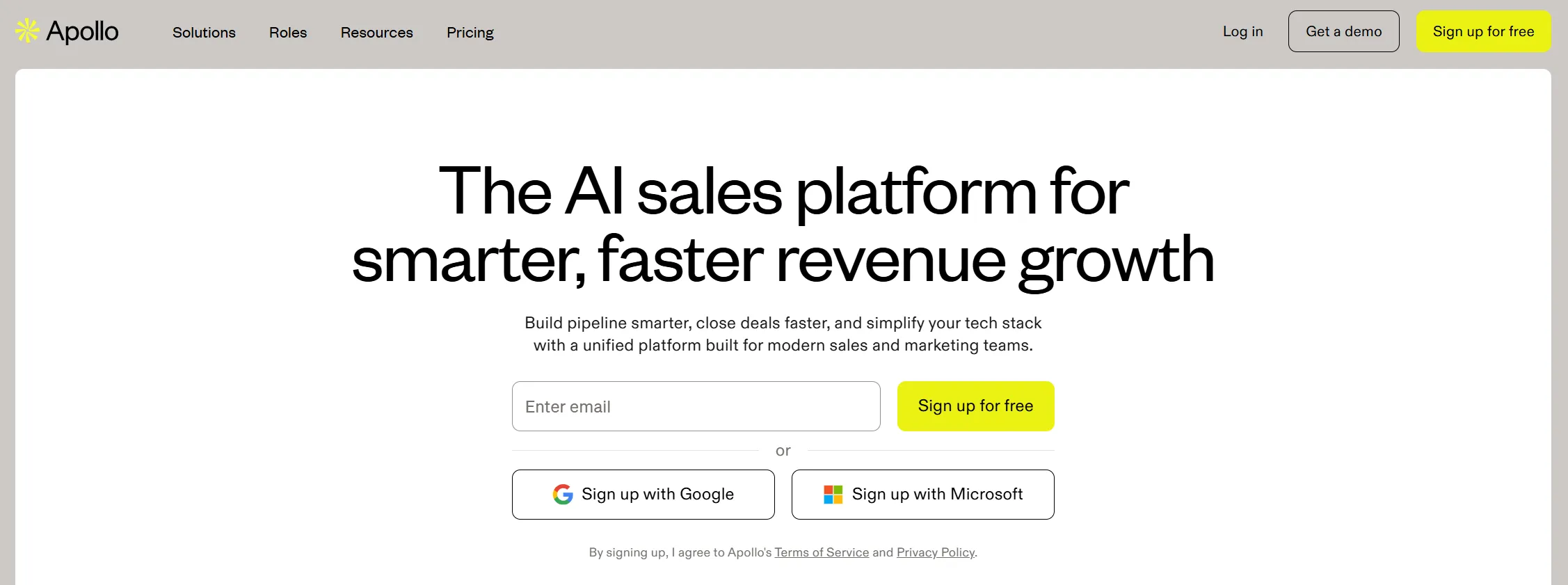
If Apollo is a launcher, Lev8 is more like an integrated targeting system + launcher. Apollo's strength was never about finding the most precisely targeted contacts — it's about keeping as much of the outreach process as possible inside one product. It emphasizes an end-to-end loop:
- Research — pulling lists and identifying potential targets
- Write — generating outreach emails
- Engage — sequencing emails and calls
- Execute — running automated, multi-step outreach flows
All of this happens within a single platform.
That explains why Apollo is so appealing to many SDR / BDR teams. It's more of a plug-and-play execution system than a platform you have to slowly assemble. Its product design prioritizes "can run immediately" on workflow automation, Chrome extension, cross-channel outreach, and behavior-triggered execution. On the integration side, it explicitly covers CRM, SEP, email services, and API access, making Apollo particularly good at embedding into existing sales processes.
But Apollo's limitations mirror its positioning. It's built to execute, not to judge. It can help you send things out faster, but it doesn't necessarily help you accurately determine why right now is the right moment to contact someone.
That's why many Apollo users end up adding other tools on the side:
- Clay — for deeper enrichment and data workflows
- LinkedIn — for manual research and context gathering
- Other search tools — to refine targeting and intent signals
Apollo helps you send at scale, but if the filtering at the front isn't tight enough, you can easily drift into templated, low-context, low-reply-rate outreach. Apollo is best for teams who already know roughly who they're targeting, not teams that still need to research and define their target clearly. Apollo wins on keeping execution in-product; Lev8 wins on the matching, research, and timing that happens before the send.
There's also the pricing transparency issue. Apollo's publicly visible pricing shows trial credits and a new credit system, but full pricing often requires going inside the product or requesting a quote. By comparison, Lev8's pricing and credit logic are clearly documented. For small and mid-sized teams, that actually matters. Tools aren't bad because they're expensive; they're bad when they look affordable upfront and get harder to calculate as you scale.
If Apollo is optimized for making "how to send" as smooth as possible, Lev8 is focused on answering "should we send, why now, and who's actually worth it." One is more like an outreach execution machine; the other is more like a signal-driven researcher. They're not mutually exclusive, but they're clearly optimizing for different parts of the process.
Is ZoomInfo Worth the Cost for Enterprise Data?
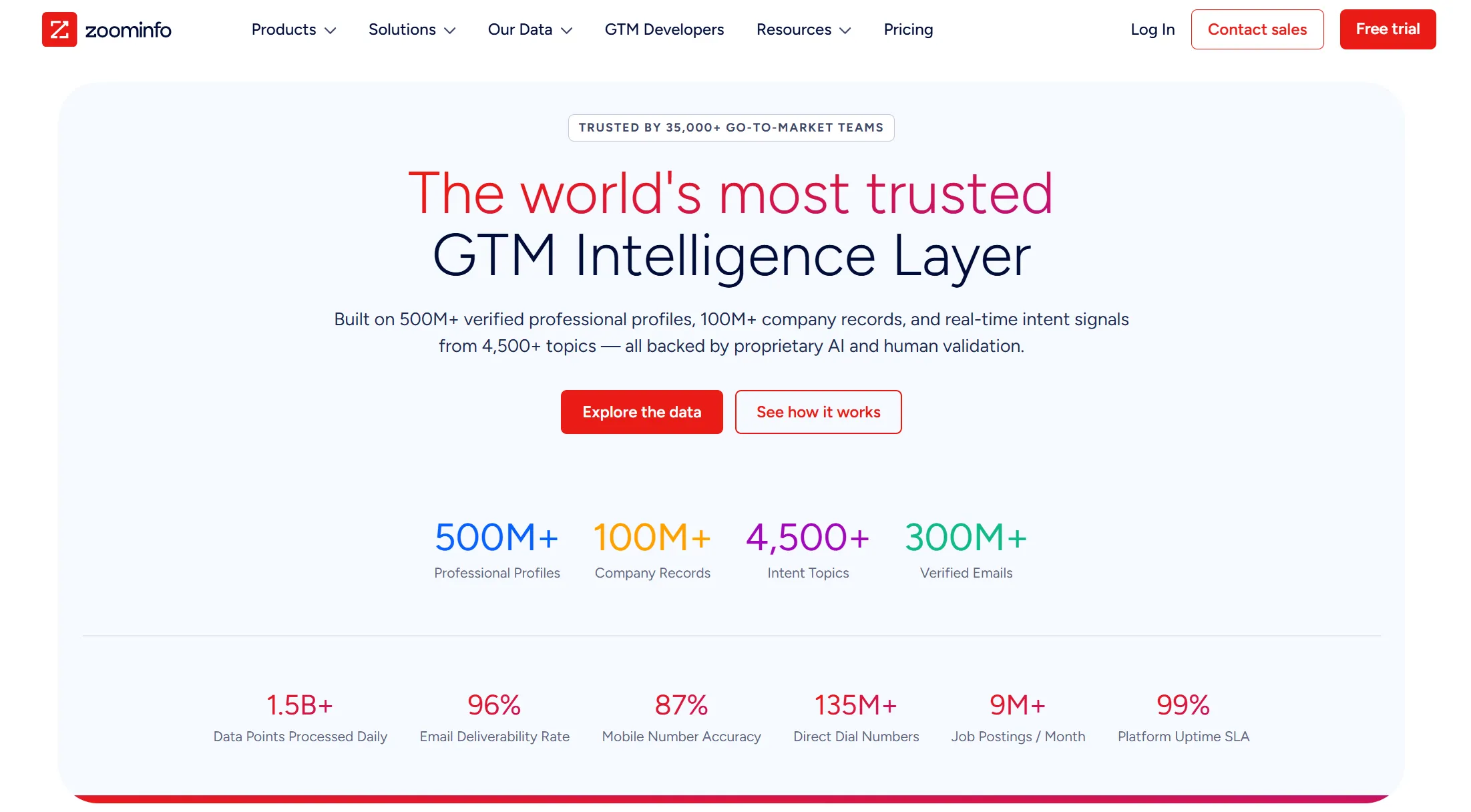
ZoomInfo is more like a large data warehouse, or more precisely, an "enterprise-grade data and context layer." Research doesn't simply label it a contact database; it's positioned as a GTM intelligence platform built around a data platform, GTM Context Graph, and unified access for apps, APIs, and AI agents. In other words, ZoomInfo's value isn't just "here's a list." It packages enterprise-grade data, context, intent, and workflow entry points into a more standardized platform capability.
Its strength starts with scale and reliability. Publicly cited figures include:
- 500M+ contacts and 100M+ companies
- Intent signals and web visitor tracking
- Predictive modeling and real-time verification
- Multiple product lines built around GTM intelligence
ZoomInfo doesn't feel lightweight — it feels solid. For large teams, that solidity really matters, because what you're often buying isn't a single-point feature but a system that behaves like a big-company product across procurement, governance, compliance, integrations, and delivery.
But ZoomInfo's weaknesses are equally well-known: it's better at answering "who exists" than helping the front line decide "what to do right now" in a matter of minutes. The differentiation between Lev8 and ZoomInfo comes down to two clear lines:
- ZoomInfo → enterprise data depth and context authority
- Lev8 → front-line, conversational, signal-driven intelligence
- ZoomInfo → platform strategy (trusted data + integrations + governance)
- Lev8 → short loop execution (discover → decide → act in minutes)
That's why ZoomInfo isn't usually something one person buys and immediately starts using — it's an enterprise system that needs to be deeply integrated with CRM, marketing automation, and sales engagement platforms. It's more mature on integrations, compliance, and enterprise packaging, and even its pricing follows a classic enterprise procurement path: free trials exist, but final costs are typically customized based on intelligence depth, licenses, and credits. That model makes perfect sense for large organizations, but it's not particularly friendly to budget-conscious smaller teams.
You can comfortably position ZoomInfo in the "strong data depth, but action is still downstream" category. It gives management confidence, makes enterprise procurement comfortable, and simplifies system integration — but it's not necessarily the right interface for front-line teams that need to experiment and move fast. By comparison, Lev8 might not be at ZoomInfo's level on enterprise security, integration maturity, or public scale disclosures, but it wins on front-line speed, interaction cost, and the feeling of being able to act the moment a signal arrives.
Should You Use n8n for GTM Automation?
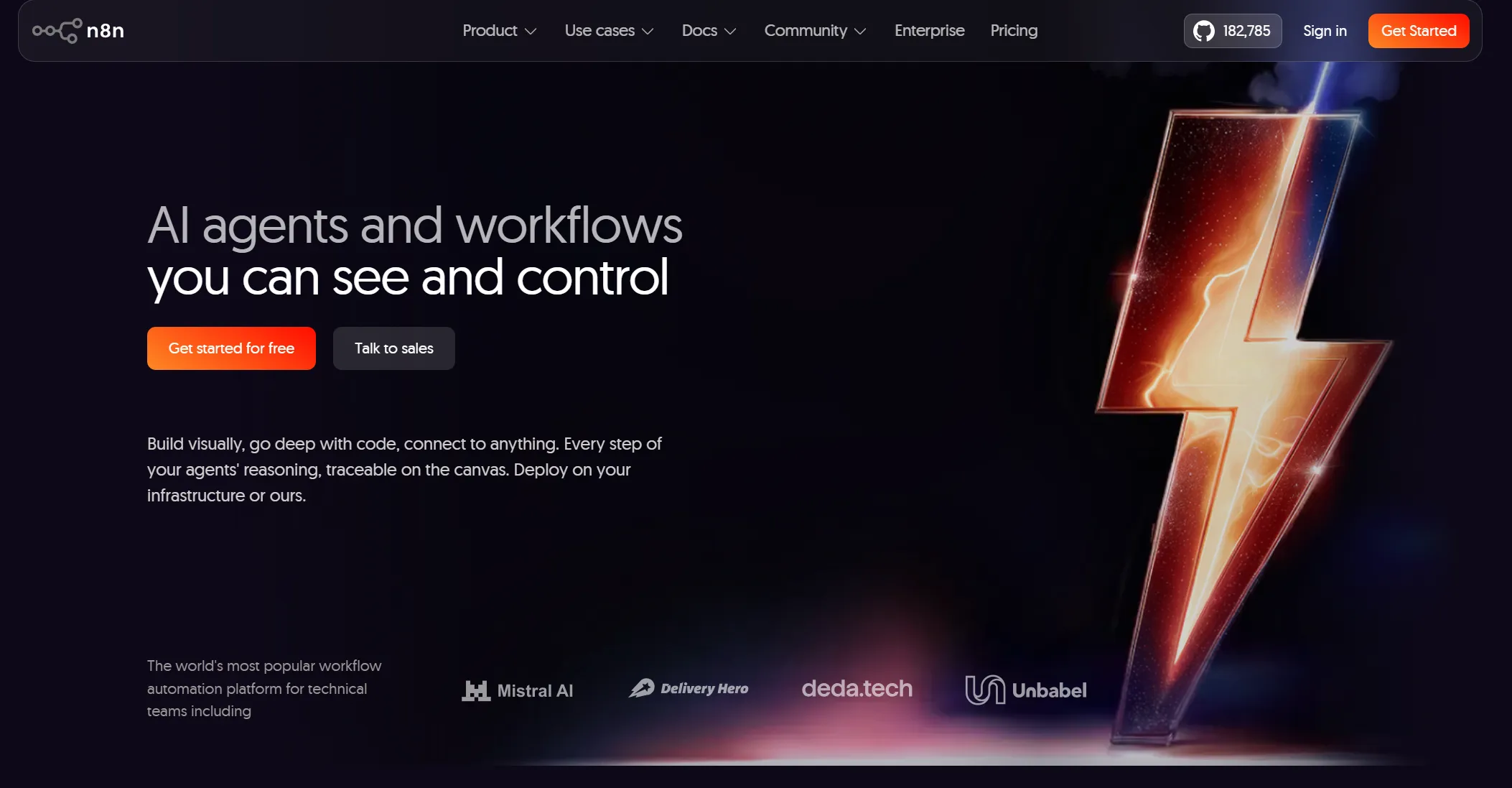
If all the tools above are different layers of the GTM stack, n8n is something else entirely. If Lev8 is like using an appliance, n8n is like wiring the circuit behind the wall. It's the "pipes and electricity" running underneath other systems — not telling you who to contact, but managing how data flows between different systems and how actions connect. Its strength is control, flexibility, and customizability — not GTM understanding.
For teams with engineering capability, n8n is still very appealing. You can:
- Self-host and fully control infrastructure
- Connect virtually any API or data source
- Define every node, trigger, and sync logic
- Customize error handling and workflow behavior
It doesn't pre-define what intent means, what a warming account is, or what the optimal outreach timing looks like — you define everything. That means its ceiling is very high, but it also means you're responsible for every piece of logic. You get flexibility; the price is ongoing maintenance.
And the biggest shift over the past two years isn't that n8n has gotten weaker — it's that the way workflows get built has changed:
- Before → manually drag nodes, configure connections, test edge cases, rebuild flows
- Now → describe the workflow, let AI generate it, then review and deploy to n8n
That matters, because it repositions n8n from a "manually built tool" to an "execution engine." Not less important — just no longer the place where users want to spend their mental energy.
That also explains the "n8n is dead?" conversations that have been popping up. It's not that n8n lacks value — it's that many people who entered the automation space on the wave of AI enthusiasm are now more comfortable with tools like Claude Code or similar "build from a prompt" experiences. For them, the appeal of learning webhooks, APIs, error handling, and databases has faded. For teams that genuinely need a stable low-level execution engine, n8n has arguably returned to exactly where it belongs.
From a GTM perspective, n8n's core limitation hasn't changed: it doesn't understand GTM semantics. It won't tell you which accounts are heating up. It won't prioritize for you. It won't know on its own when you should reach out. All of that has to be defined by you. So if your goal is full control over the underlying process and you're willing to pay the maintenance cost for that flexibility, n8n is still very capable. But if your goal is for search, judgment, and execution to happen naturally inside a single interface, it's solving a different problem entirely.
Which GTM Tool Is Actually Best for Your Use Case?
Looking at all these tools together, it's not really about who comprehensively crushes who — it's about which segment of the chain each one is optimizing. Clay optimizes data orchestration and workflow flexibility. Apollo optimizes keeping outreach execution in-product. ZoomInfo optimizes enterprise data depth, integrations, and governance. n8n optimizes low-level automation control. And what Lev8 is trying to do is compress "who to find, why now, and how to act immediately" into a single, lighter interaction surface — positioning itself explicitly as a tool for GTM teams built on natural language, zero learning curve, and real-time-signal-driven outreach.
From Data Tools to Signal GTM
GTM maturity is pushing growth teams from "processing data" toward "executing decisions." The old question — can this tool make my data more complete and clean? — barely matters anymore. What matters now is: when a real signal appears, can the team respond immediately and turn it into an actual action?
It's in that context that tools like Clay are being re-evaluated along a new dimension. They're still strong, but the problem they solve is drifting away from where teams are actually bottlenecked.
Can Your Tool Turn Signals into Actions Automatically?
GTM teams are no longer satisfied with just "seeing data." In practice, when signals, lists, and execution tools are scattered across different platforms, the process inevitably gets interrupted by humans. You might discover an opportunity in one tool, process data in another, and execute outreach in a third. Every context switch introduces delay and uncertainty.
Slowly, the question stops being about whether there's enough data — and becomes about whether that data is actually being used. Teams increasingly care about whether a system can connect "discovery → judgment → execution" into a single continuous path, rather than stopping somewhere in the middle.
What Happens When a High-Intent Signal Appears?
In the past, signals were mostly "displayed" rather than "acted on." A company closed a funding round, started hiring, or changed its tech stack — that information would appear in a list somewhere, but whether anyone acted on it still depended entirely on human judgment.
But teams are increasingly gravitating toward a different model: when a signal appears, the system itself should push an action to happen — not wait for manual handling. Otherwise, those so-called "high-value signals" risk getting delayed or entirely missed in the process.
Is Automation Enough — or Do You Need Decision-Making Systems?
Over the past few years, teams invested heavily in building workflows and automating processes. But looking back, that kind of automation mostly shifted complexity around rather than eliminating it. Processes run automatically — but the logic design, exception handling, and structural adjustments still require constant human involvement.
So teams are rethinking what automation is actually for. They're no longer satisfied with "things happen automatically." They want the system itself to take on some of the judgment — not just run through the process, but tell you what's most worth doing right now. This shift from workflow automation to decision automation is arguably the most important trend of the past two years.
Why Are Teams Tired of Operating Complex Tools?
As tools get more complex, many growth teams have come to realize they're spending enormous amounts of time operating the tools themselves, rather than actually driving growth. Configuring rules, wiring APIs, debugging workflows — that work is fundamentally closer to engineering than to growth.
So a more natural interaction pattern is gaining traction: express what you need in plain language, let the system handle the search, verification, and processing. The deeper shift here is moving people out of the role of "operating the system" and back into the role of "expressing intent."
From tool stacking to system stability
When a team stitches multiple tools together, everything looks fine at first. But as scale grows, the fragility of that structure starts to show. A failed sync, a missed signal, a misaligned field — any of these can ripple into downstream execution failures.
So the evaluation criteria shift too. Teams no longer just ask whether individual tools are good — they care about whether the overall system is stable and dependable long-term. In other words, they're moving from "a collection of tools" toward thinking about "the system itself."
How Do You Control GTM Tool Costs as You Scale?
Cost issues usually only become visible once the system is actually running. As data calls, automation runs, and add-on modules accumulate, total costs become increasingly unpredictable. And once a team becomes dependent on a particular stack, the cost of switching rises with it.
So more teams are factoring in cost structure from the start, not just the initial price tag. They're more inclined to choose tools with clear paths to producing direct results — rather than solutions that require stacking more and more components over time.
Rise of AI GTM Platforms
Given all of that, it makes complete sense that products like Lev8 have started to appear. Rather than optimizing one part of the process, they're attempting to rethink how the entire chain is organized.
The starting point isn't "here's a pile of data, go figure out what to do with it." Instead, it compresses "finding people / companies, verifying information, capturing signals, generating content, and executing actions" into one continuous process. When a signal appears, that process can be directly triggered — not broken into multiple disconnected steps.
Can Your GTM Tool Turn Signals into Actions Automatically?
In practice, this means teams no longer need to bounce between tools. Search, verification, signal evaluation, and follow-on actions can all happen inside the same environment. A process that used to be fragmented gets stitched back together into a much shorter path.
Why Does Timing Matter More Than Data in GTM Today?
The focus shifts away from data coverage toward whether you're finding the right person at the right moment. Compared to simply expanding list size, this timing-and-context-first approach is much closer to how real conversions actually happen.
Do You Still Need to Build Workflows — or Just Describe What You Want?
On the interaction side, complex configuration becomes unnecessary. Users don't need to write filter conditions or build workflows. They just describe their goal, and the system handles the search and processing. This opens up direct participation to team members without technical backgrounds.
Why Should GTM Preparation Lead Directly to Action?
More importantly, it changes the relationship between preparation and execution. In traditional tools, preparation is the endpoint. Once everything is ready, execution finally begins. Here, preparation is already part of the action itself. When a signal appears, the response can happen right alongside it.
What’s Actually Changing in GTM — in One Sentence?
Put all of this together, and it really comes down to one simple transition: GTM is no longer about who has the most complete data. It's about who can turn signals into actual revenue, faster.
In that sense, Clay is still a very capable tool, but it's more of a "preparation system." Products like Lev8 are starting to fill a different role: not just providing capabilities, but aiming to become the infrastructure that actually drives action.
Pricing Guide for Marketing Tools
Clay
Free
$0
6,000 actions/year · 1,200 data credits · unlimited seats/tables · 200 rows/table · Claygent AI data generation
Small teams testing
Launch
$167/mo
180,000 actions/year · 30,000 data credits · phone enrichment · job/news signal tracking · 50,000 rows/table · email campaigns
Small teams automating prospecting
Growth
$446/mo
480,000 actions/year · 72,000 data credits · CRM auto-sync · HTTP API · signal automation · web intent tracking · 1 ad audience · priority support
CRM/growth teams
Enterprise
Custom
Custom actions/data · warehouse sync · RBAC · SSO · dedicated growth strategist
Large-scale GTM systems
Apollo
Free
$0
900 credits per user/year · monthly grant
Beginner/exploration
Basic
$49/mo
30,000 credits per user/year
Small/lightweight outreach
Professional
$79/mo
48,000 credits per user/year
Mainstream outreach
Organization
$119/mo
72,000 credits per user/year
Large teams
ZoomInfo
Lite
$0+
Basic data for small teams
Small teams
Professional
$14,995–$18,000/yr
Standard data access
Mid-sized enterprise
Advanced
$22,000–$28,000/yr
Extended data & integrations
Large enterprise
Elite
$35,000–$45,000+/yr
Full enterprise features
Enterprise GTM systems
Lev8
Free
$0
300 credits per monthly cycle · 1 concurrent session · 10 concurrent deep searches · standard queue · list export · signals · AI email drafting
Testing & validation
Starter
$49/mo
5,000 credits/mo · 2 concurrent sessions · 10 concurrent deep searches · priority queue · list export · signals · AI email drafting · generate report
Small teams automating outreach
Pro ★
$199/mo
25,000 credits/mo · 3 concurrent sessions · 30 concurrent deep searches · priority queue · list export · signals · AI email drafting · generate report · advanced analytics
Growth & power users
Note: ZoomInfo costs increase with users, credits, global data needs, and add-ons. Hidden costs include extra credits, plugins, and strict auto-renewal/cancellation terms.
Who Each Tool Is Best For
Clay — Early-stage teams still figuring out their methodology, who need flexible workflow building and room to experiment and iterate.
Apollo — Execution-focused teams with a clear target profile who prioritize outbound efficiency and scale.
ZoomInfo — Mid-to-large companies with mature sales systems that value data depth and enterprise-grade capabilities.
n8n — Teams with strong technical or operations skills who want full control over process customization and automation logic.
Lev8 — Teams at any stage who don't want to be slowed down by tool complexity, and want to turn signals into action quickly and efficiently.
GTM Tools for Different Team Stage
| Team Stage | Goals | Recommended Tool Combinations | Lev8 Features & Role |
|---|---|---|---|
| Startup / Small Team | Quickly acquire high-quality leads while keeping costs low | - ContactOut + Apollo Basic- Tomba.io + Email sending tools (Gmail/Google Workspace)- Lev8 Pro entry-level plan | Low-cost entry option; supports search, signal monitoring, and light automated outreach; ideal for testing and validation |
| Growth Team | Improve lead quality, reduce manual work, monitor potential customer signals | - Clay Launch / Growth + Email automation platform (Lemlist, Mailshake)- Apollo Professional + CRM integration- Lev8 full-suite plan | Combines search, signal monitoring, and batch personalized outreach; reduces tool switching and boosts execution efficiency |
| Mature / Enterprise Team | Unified end-to-end workflows, real-time response, precise targeting at scale | - Lev8 full-suite platform- ZoomInfo / Clearbit / Apollo Enterprise- Email automation + CRM (Salesforce, HubSpot) | Manages search, signal monitoring, data enrichment, and batch personalized outreach end-to-end; serves as a central workflow platform, integrated with enterprise tools for scale and cost control |
| GTM Engineer / Highly Automated Team | Highly customized workflows, signal-driven precise outreach | - Lev8 + Custom API / n8n automation workflows- Tomba.io / ContactOut + in-house verification tools- CRM + automation platform + internal collaboration tools | Serves as a full-process execution platform and integrates with custom workflows; reduces repetitive work while improving responsiveness and flexibility |